

Real-time translation has always felt like a problem technology should have solved by now, yet most solutions still get in the way. Phones pull your attention down, earbuds isolate you, and apps introduce just enough delay to make conversations feel awkward. The Leion Hey2 approaches the problem from a different angle. Instead of asking you to adapt to the technology, it tries to disappear and let the conversation lead.
After using the Hey2 in meetings, casual conversations, and travel-style environments, it became clear that this product is not trying to be flashy AR hardware. It is designed to solve a very specific problem: helping people understand each other in real time without breaking eye contact or social flow. It doesn’t get everything perfect, but it gets far enough right to earn its place as a serious tool.
Design and Comfort
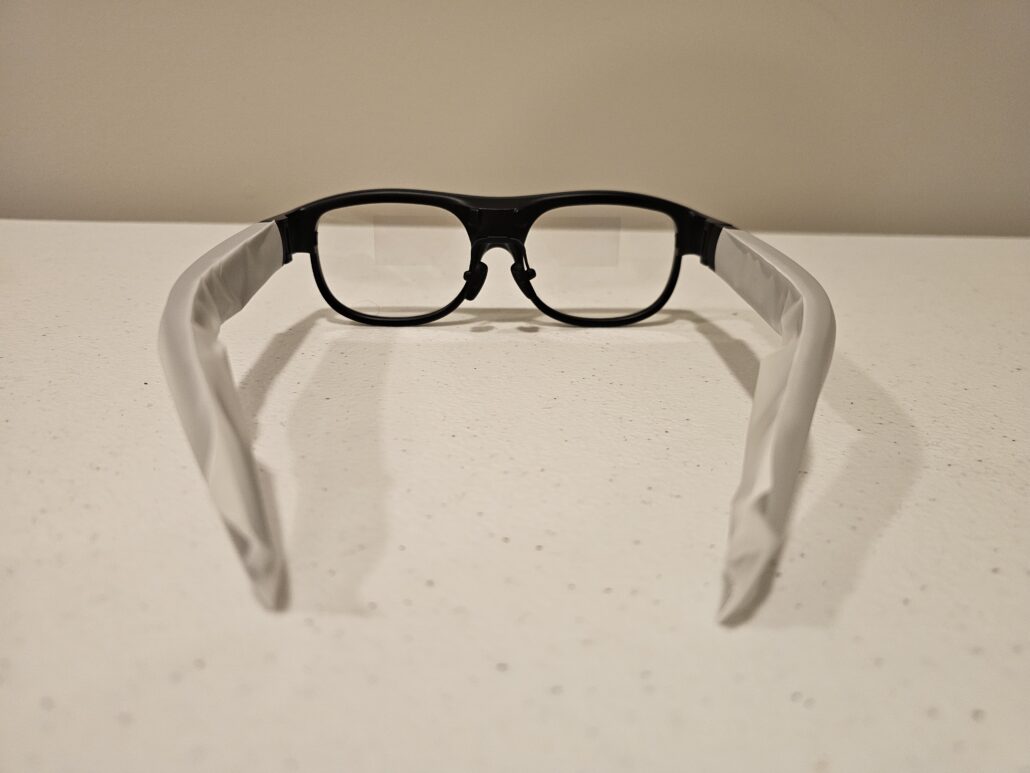
The Leion Hey2 looks more like normal eyewear than most smart glasses I’ve tried. The frame design is subtle and professional, which matters if you plan to wear it in public or work settings. Nothing about it screams “tech demo.” At roughly 49 grams, the weight stays reasonable, and the balance across the bridge of the nose feels intentional rather than front-heavy.
Comfort held up better than expected during longer sessions. I wore the Hey2 through extended conversations and meetings without needing constant adjustments. The adjustable nose pads helped fine-tune fit, and the hinges felt flexible without feeling loose. This matters because translation only works if you’re willing to wear the glasses continuously, not just for short demos.
Display and Subtitle Experience
The display is the backbone of the Hey2 experience, and this is one of its strongest areas. Subtitles appear clean, crisp, and readable without overwhelming your vision. Text floats naturally in your line of sight rather than feeling glued to the lens, and after a short adjustment period, it became easy to read without consciously shifting focus.
I tested the display indoors, near windows, and in brighter environments. Readability held up well across conditions, and glare never became distracting. Adjusting text size and positioning helped tailor the experience depending on distance and lighting, which made a bigger difference than I expected.
What stood out most was how quickly the subtitles felt “normal.” Instead of pulling me out of the conversation, they blended into it, which is exactly what this product needs to do.
Translation Performance in Real Conversations
Translation speed and accuracy are where the Hey2 earns most of its score. Latency stayed low enough that conversations felt natural rather than delayed. I didn’t find myself waiting for subtitles to catch up, even when speakers talked quickly or changed pacing mid-sentence.
The directional audio pickup worked well when facing someone directly, even in noisier environments. In group settings, the 360-degree capture still performed reliably, though context mattered more. The system handled accents better than expected and didn’t fall apart when speech became less structured.
Language switching was straightforward once configured in the app. After setup, the glasses handled ongoing translation without interruption, which made moving between conversations feel seamless.
This is not medical-grade or courtroom-level translation, but for everyday communication, meetings, and travel scenarios, it felt dependable enough to trust.
Real-World Use Cases
The biggest strength of the Leion Hey2 is how it keeps you present. In meetings, I could maintain eye contact instead of glancing down at a phone. During casual conversations, subtitles felt like quiet support rather than a distraction. That human element matters more than raw specs.
As a captioning tool, the Hey2 also proved useful. Fast speakers, accents, or noisy environments became easier to follow without asking people to repeat themselves. This aspect alone gives the product real accessibility value beyond translation.
The teleprompter feature worked well in controlled situations. It helped maintain pacing during short presentations or rehearsals, though I treated it as a secondary benefit rather than a primary reason to use the glasses. AI Q&A was useful for quick clarifications but felt more like a bonus than a core feature.
Battery Life and Daily Reliability
Battery life was one of the areas I paid close attention to, because real-time translation is not a light workload. In my own use, the Leion Hey2 consistently lasted around 5 to 6 hours when I was using translation actively and continuously, such as during long meetings or back-to-back conversations.
On days where usage was more realistic, meaning shorter conversations, pauses between sessions, and stretches where the glasses were worn but not actively translating, I was able to stretch that closer to 7 hours before needing to recharge. That difference mattered. It showed that battery life scales with how you actually use the product, not just how long you wear it.
What I appreciated most was consistency. Battery drain felt predictable. I didn’t experience sudden drops or moments where the glasses died unexpectedly mid-conversation. I generally knew that after about an hour of active translation, the battery dipped by roughly 15 to 20 percent, which made it easy to mentally budget usage throughout the day.
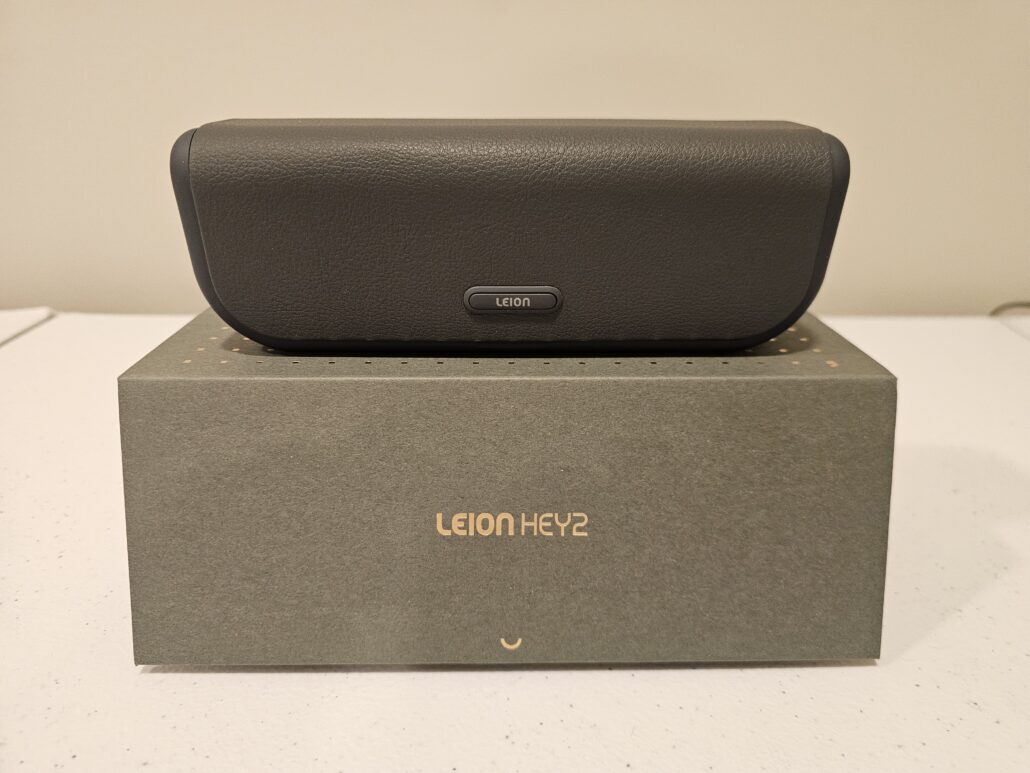
The charging case played a big role in making this workable. Dropping the glasses into the case between sessions regularly gave me enough top-up power to get through a full workday without stress. In practical terms, that meant I never had to stop using the Hey2 because of battery anxiety, even on heavier days.
This isn’t a device meant for nonstop, all-day translation, but used the way most people will realistically use it, the battery life felt reliable and easy to manage.
Privacy and Social Comfort
One of the most underrated design decisions is the lack of a camera. People around me were noticeably more comfortable compared to other smart glasses. There was no concern about recording, no visible indicator that something was being captured.
In professional environments, this mattered a lot. The Hey2 felt like a communication aid rather than surveillance hardware. That distinction makes it easier to use in real situations without having to explain or justify the technology.
Pros
- Fast, low-latency real-time translation that keeps conversations flowing
- Clear, readable subtitles that work across lighting conditions
- Comfortable, lightweight design suitable for extended wear
- Directional audio pickup that handles noise better than expected
- Strong accessibility benefits for captioning and comprehension
- Battery life that supports full workdays
- Camera-free design that respects privacy and social comfort
Cons
- Requires stable internet connectivity for best results
- App setup takes time to fully understand
- AI features feel secondary compared to translation
- Not designed for casual, infrequent use
- Premium positioning limits accessibility for some users
Verdict
The Hey2 succeeds because it stays focused. It doesn’t try to be everything. It tries to make real-time translation feel natural, readable, and socially comfortable, and for the most part, it succeeds. Translation performance is fast enough to trust, the display is clear enough to forget about, and the design is comfortable enough to wear without thinking.
It isn’t perfect, and it won’t make sense for everyone. But for professionals, travelers, and anyone who regularly navigates multilingual environments, the Leion Hey2 feels like a tool built for real life rather than a tech experiment.


