

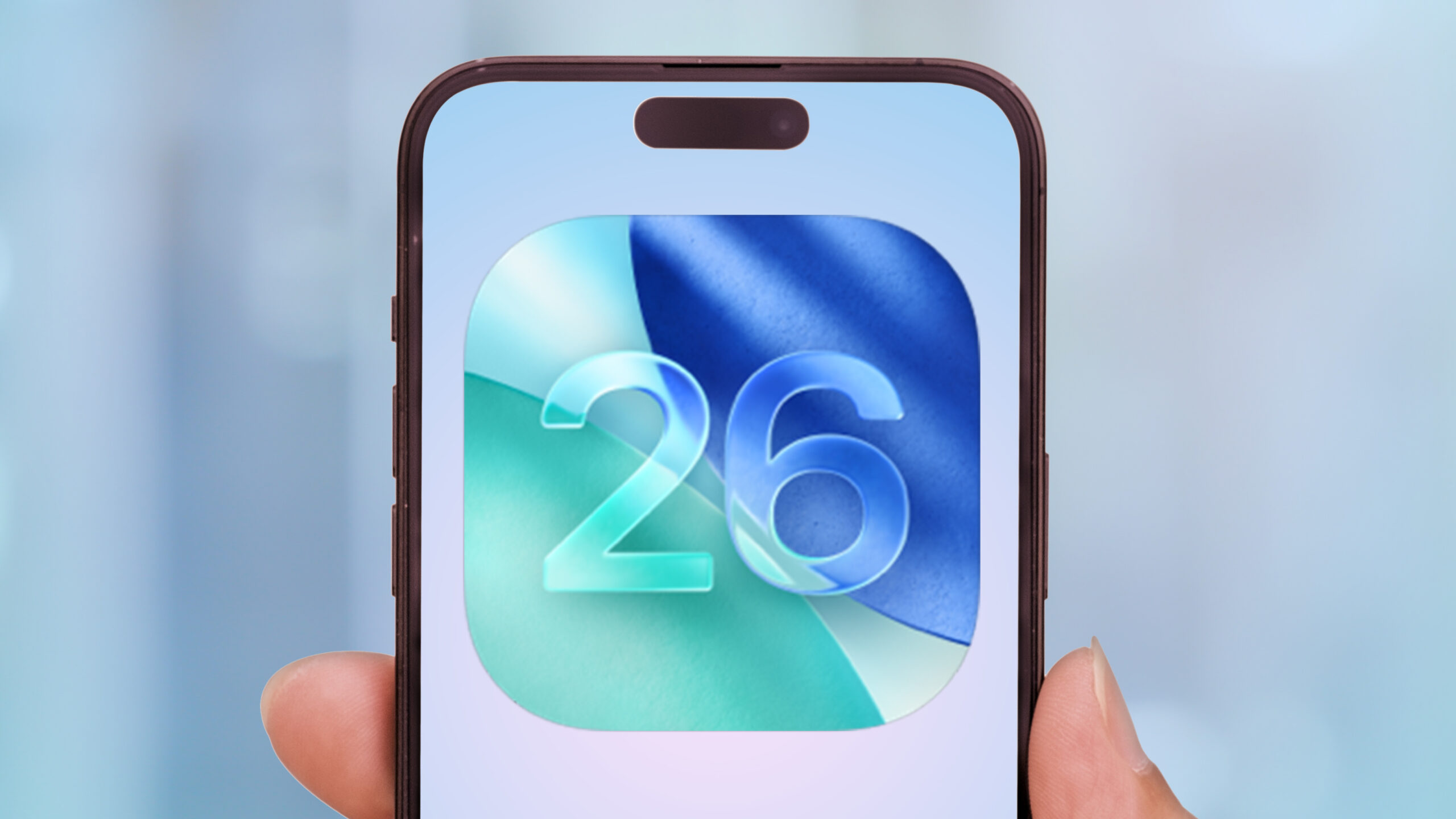
Apple has officially released iOS 26, its most transformational update in years, with sweeping design changes and powerful new features aimed at making iPhones smarter, more customizable, and more visually dynamic. The update comes preloaded on the iPhone 17 series and is available for many recent iPhone models.
Liquid Glass: Apple’s New Visual Identity
The headline feature of iOS 26 is the new design language “Liquid Glass,” which introduces translucency, light refractions, semi-see-through panels, and more rounded iconography. These effects affect the Lock Screen, Home Screen, widgets, buttons, notifications, and menus, giving the interface a sense of depth and motion that reacts when you interact with the device.
New Features Across the Board
Beyond the redesign, iOS 26 introduces several new tools powered by Apple Intelligence. These include:
- Live Translation in FaceTime, Phone, and Messages, allowing users to communicate across languages more seamlessly.
- Visual Intelligence, which lets users take action based on content seen on screen—like adding calendar events, recognizing objects or text in photos, etc.
- More robust features in Messages: you can now set custom chat backgrounds, create polls, and see typing indicators in group conversations.
- Updates to the Phone app, including better screening of unwanted calls and a reworked interface for contacts and call logs.
- A new Games app that consolidates game titles, Game Center friends, and includes better controller support and game discovery.
iOS 26 isn’t just for phones. The “Liquid Glass” design language extends across Apple’s ecosystem—iPadOS 26, macOS Tahoe, watchOS 26, tvOS 26, and even visionOS. Devices from about 2019 onward are supported. Some of the new features, especially those requiring heavier processing or Apple Intelligence, only work on newer models.
While many users and reviewers are praising the aesthetic refresh and new functionality, there are concerns and mixed responses with some users report that the “Liquid Glass” affects legibility in certain contexts due to translucency. Apple has addressed this by tweaking opacity and contrast in later betas.
As with major updates, battery life is a topic of concern. Users expect a period of adjustment while indexing and background tasks settle.
iOS 26 represents a big leap for Apple. With its bold visual overhaul, deeper AI/Intelligence integration, and wide-ranging feature additions, it feels like more than a typical yearly update. While there are likely bugs to iron out and features to refine, it’s clear that Apple is pushing forward with a new era of design and utility.


